Turn logistics into intelligence
Built to give world-class logistics teams decision advantage
Let's build a Mission Control interface, similar to the magnet-style window manager in macOS
A grid-based layout showing the mission control interface allowing quick execution of tasks and easy management.
Option to Show Handler (as Close → Mission control, Hotkey F1, or Keyboard)
Grid for viewing achieves into a grid of previews matching applications stored schema
Build a logistics plan that survives reality
From reactive to predictive
Crear turns reactive logistics into predictive outcomes, so teams plan ahead instead of chasing real-world variability.
Learn more →Resilient and adaptive
Rerun scenarios when demand, constraints, or disruptions change. Get clear mitigation options—not guesswork.
Learn more →# Add Data //carrier routing handle failed
# Delivery attempt?
[OK] shipper_data = {
"manifest_id": "D11AX1981",
"uploaded_date": "2025-01-15",
"destination_lat_lng": "40.7891N,-74.0089W",
"routing_details": {
"manifest_id": "D11AX1981"
}
}High-fidelity twins
Model your real network—facilities, labor, carriers, lead times, and rules—so simulations match reality, not spreadsheets.
Learn more →operation: Carrier-first logistics architecture
class: carrier/routes/FEDEX/v2
schema:
# Carrier Data System
- Use priority carriers for all express zones
and long-haul. Use 3rd tier routes for
midwest as a low cost.
- Use DHL as fail-over only.Why top logistics teams choose Crear
Move fast
Forget months of feasibility studies, spreadsheet sprawl, and project-management overhead. Crear unifies planning into a single streamlined workflow—delegate execution to agents and focus your team on high-value decisions.

Collaborate
Align operations, finance, and procurement around the same assumptions, models, and data. Plan together, evaluate trade-offs in real time, and move from alignment to action without friction.
Context
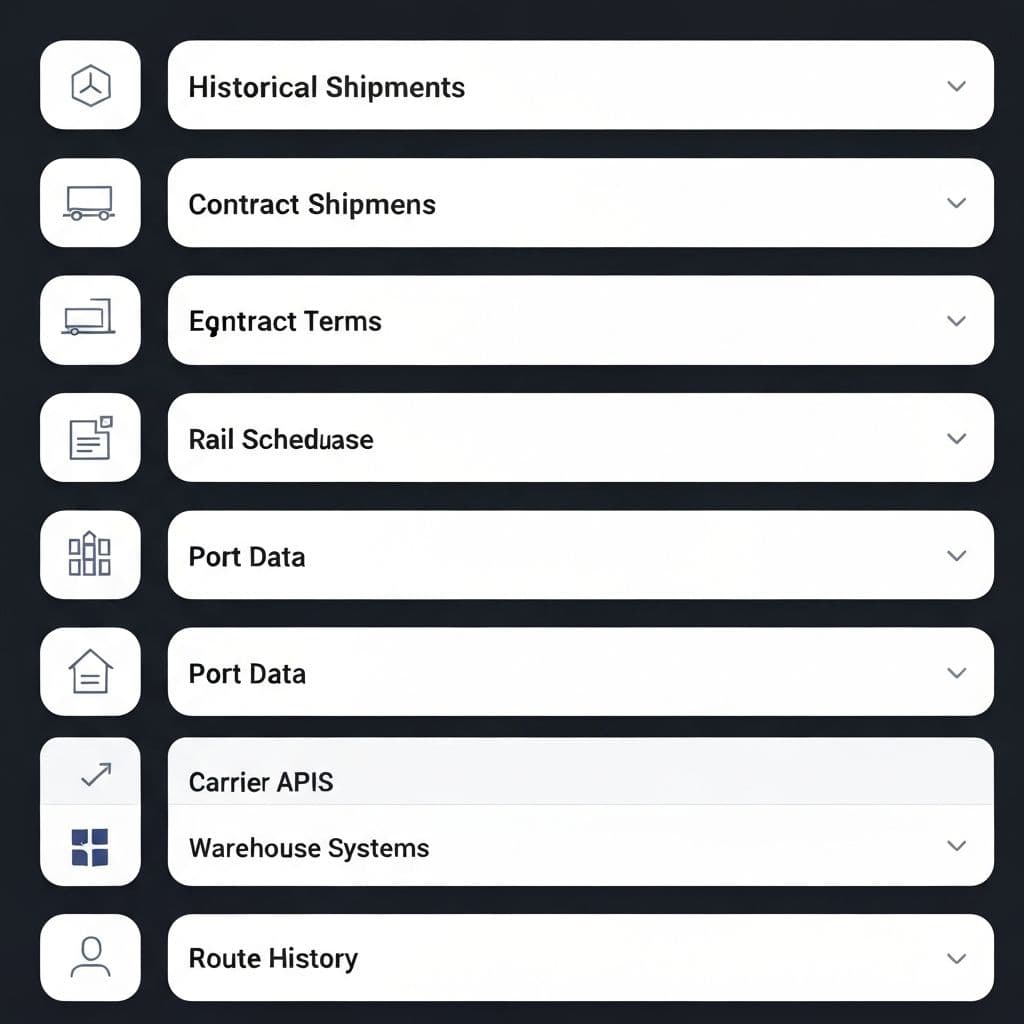
Import your operational data—contracts, rates, historical performance, and live feeds. Crear equips logistics teams with an intelligence layer to make critical decisions in full business context.
Equipped to do real logistics engineering
Configure networks, constraints, and scenarios—then simulate and optimize with confidence.
Terminal
Run models and simulations from a single command surface—fast to iterate, easy to reproduce.
Learn more →crear logistics pipeline > Create routes >> WESTBOUND command $ npx run FULL + Loading route files DETECTED: South routes DETECTED: Northeast routes ✓ Deployed successfully in 3.1s crear (online, Route to account)
Add context
Attach the data that matters—contracts, calendars, constraints, and assumptions—to every run.
Learn more →PINS route 304 (west) "urgent" suppress.catalog.cto @agents @Logistics ✕ + Agents + Contracts 📄
Checkpoints
Version everything. Compare runs, roll back changes, and keep stakeholders aligned.
Learn more →Add XML Add API, Tag renamed Last API EDIT recorded Lag saved (were trucking service) ✓ XML edited Add carrier recorded Run all routes
Extend with tools and knowledge
Bring your existing systems and domain rules into Crear—without rebuilding your workflows.
Integrations
Connect planning inputs and operational systems (Excel/CSV now; deeper integrations when ready).
Learn more →Skills
Codify your playbooks and operating rules so the model reflects how your team actually runs.
Learn more →[CLI]> <manifest> created.md / @carrier-rules Updates product with business logic [before-publish] Set up validation rule [Publish Dispatch again this year] Sets up for a Q4 import year [next] Goals are only for AI-assisted docs
MCP
Securely connect internal tools and data sources to power simulations, analysis, and reporting.
Learn more →